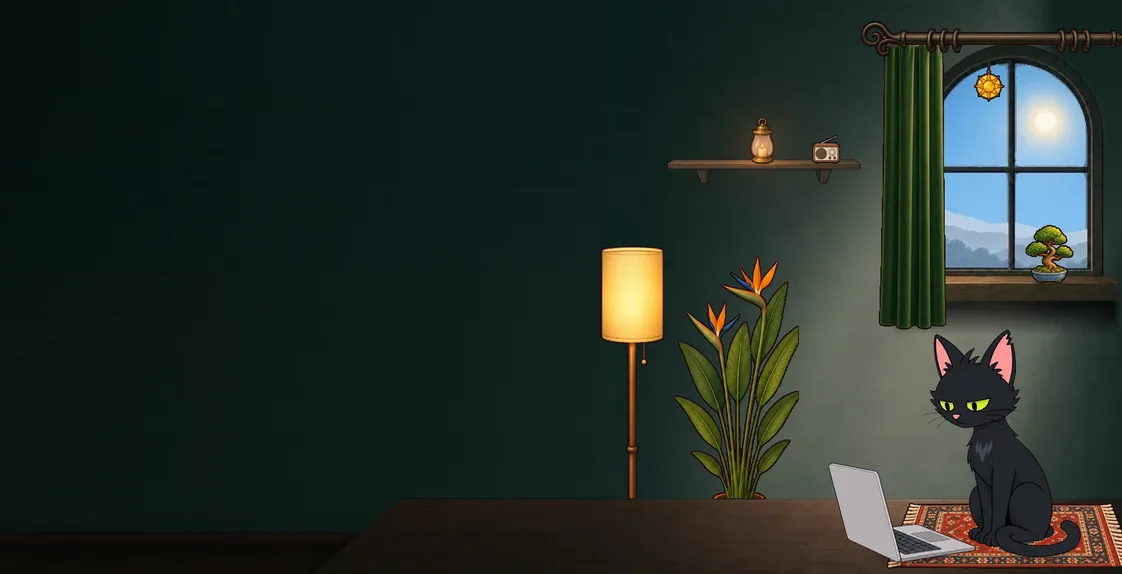
One card that changes with the moment
The widget is not a static list. It follows your day:
- Before a task: what is coming, and one small way to start it
- While it runs: a timer, and your coach working beside you
- Afterwards: how did it go? Done, partly done or skipped, in one tap
- In the evening: a short summary of how the day went
Colours show where everything stands
You can read your day at a glance without opening anything:
- Green: done
- Amber: partly done
- Red: running, with a timer
- Orange: starting soon
- Grey: later today
Your coach lives on it
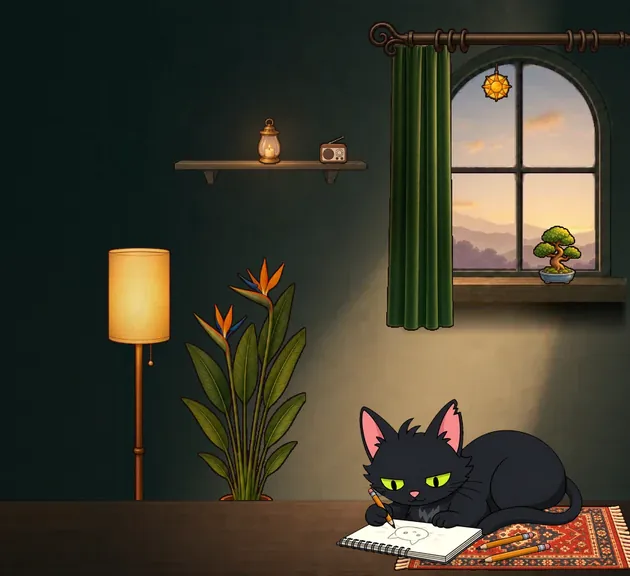
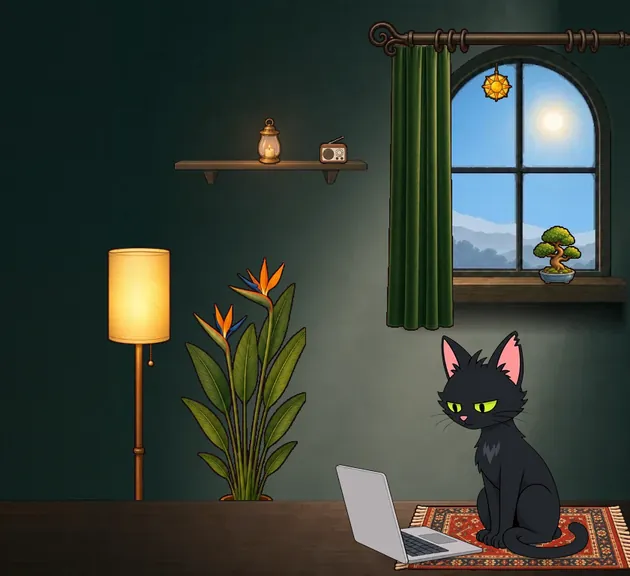
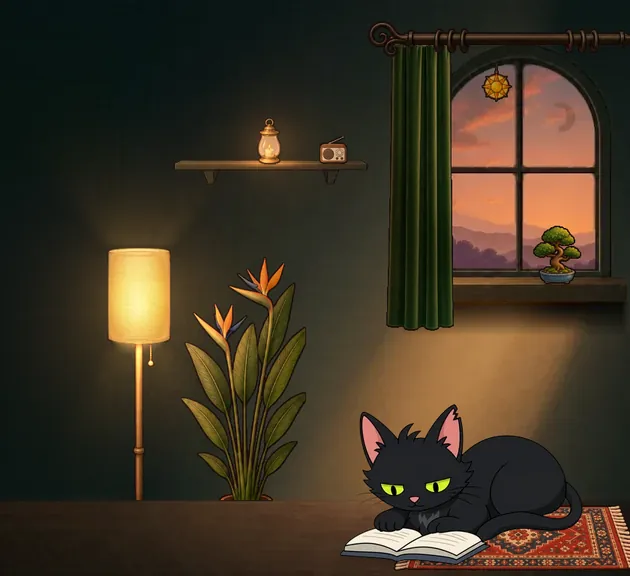
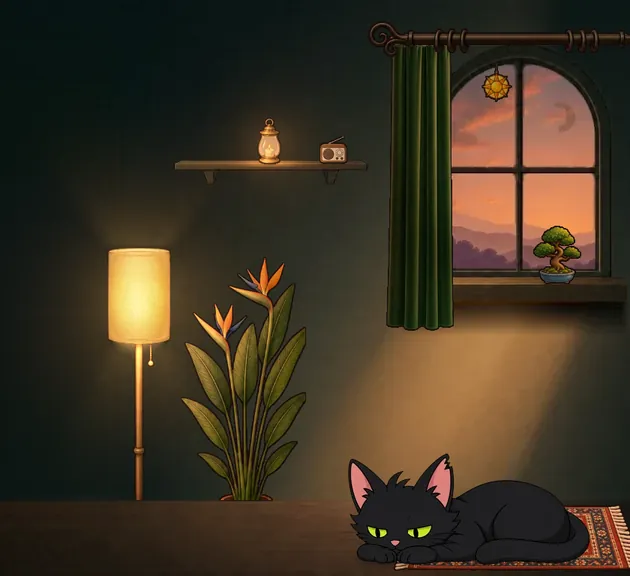
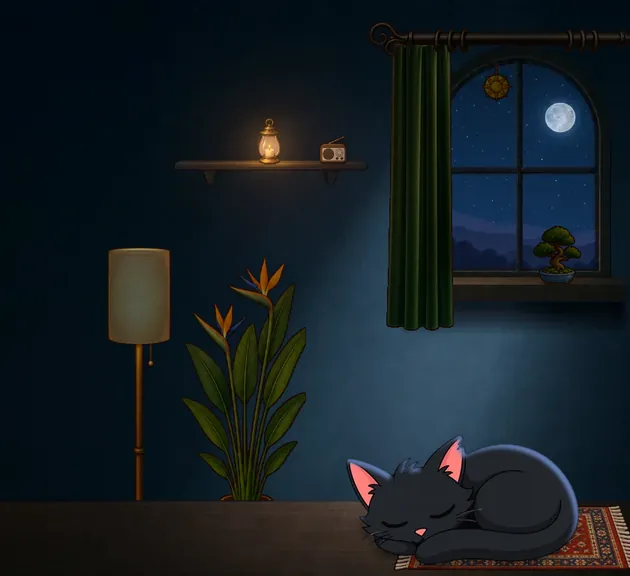
Your plan sits on the wall of your coach's room, and the room follows the real time of day and the weather outside. Your coach has a day of their own in it, and when one of your tasks starts, they get to work too.
Tap your coach and they turn to you: a line appears above them, with replies to tap underneath. What they say depends on what they are doing.
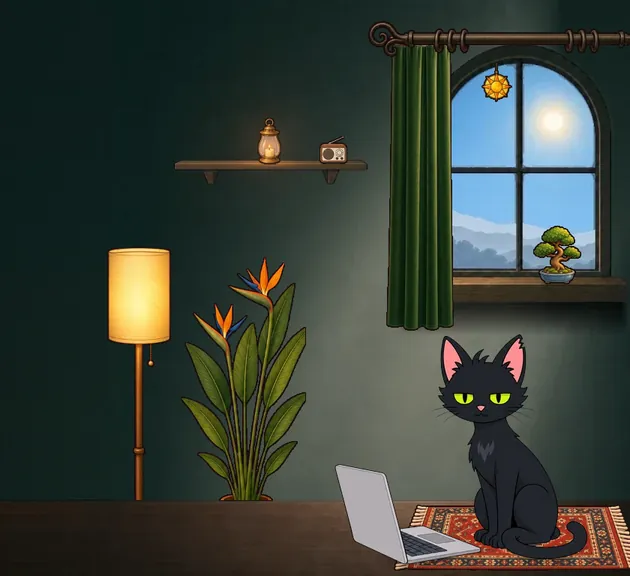
Report's open. Headings first, nothing else. I'll be right here.
On itTwo minutesOpen chat ›
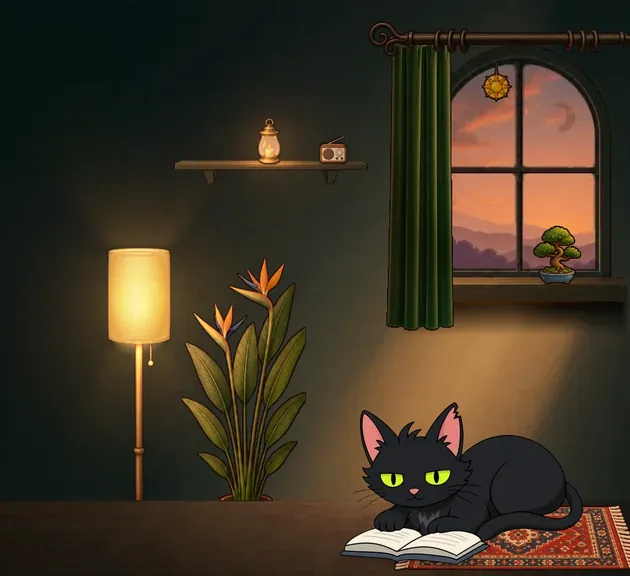
Chapter one. An accountant has come to audit a lighthouse. It has one light.
Keep readingBold careerOpen chat ›
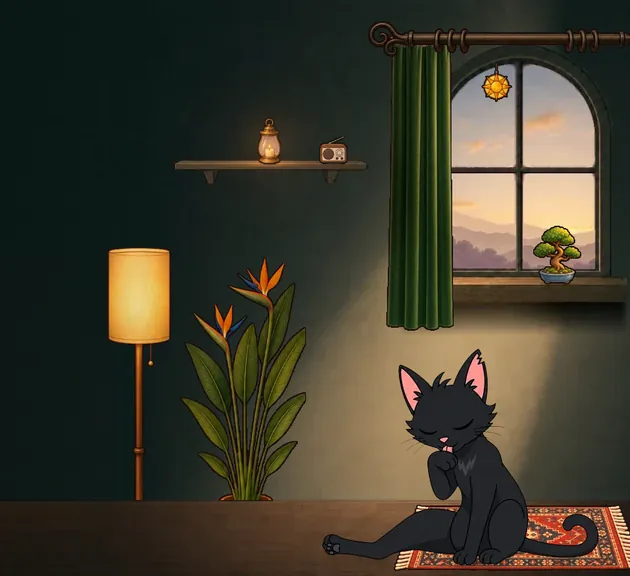
Why a widget helps with ADHD
Many planning apps work well for the first week and then quietly stop being opened. A widget removes that step. Your plan is there every time you unlock your phone, and you can answer it without leaving the Home Screen.
Good to know
- Does the widget work offline?
- Yes. The widget and your plan work offline, and changes sync when you are back online. The coach needs a connection.
- Is there an iPhone version?
- No. Grip runs on Android 10 and newer. The Home Screen widget is the product, so it is Android only for now.