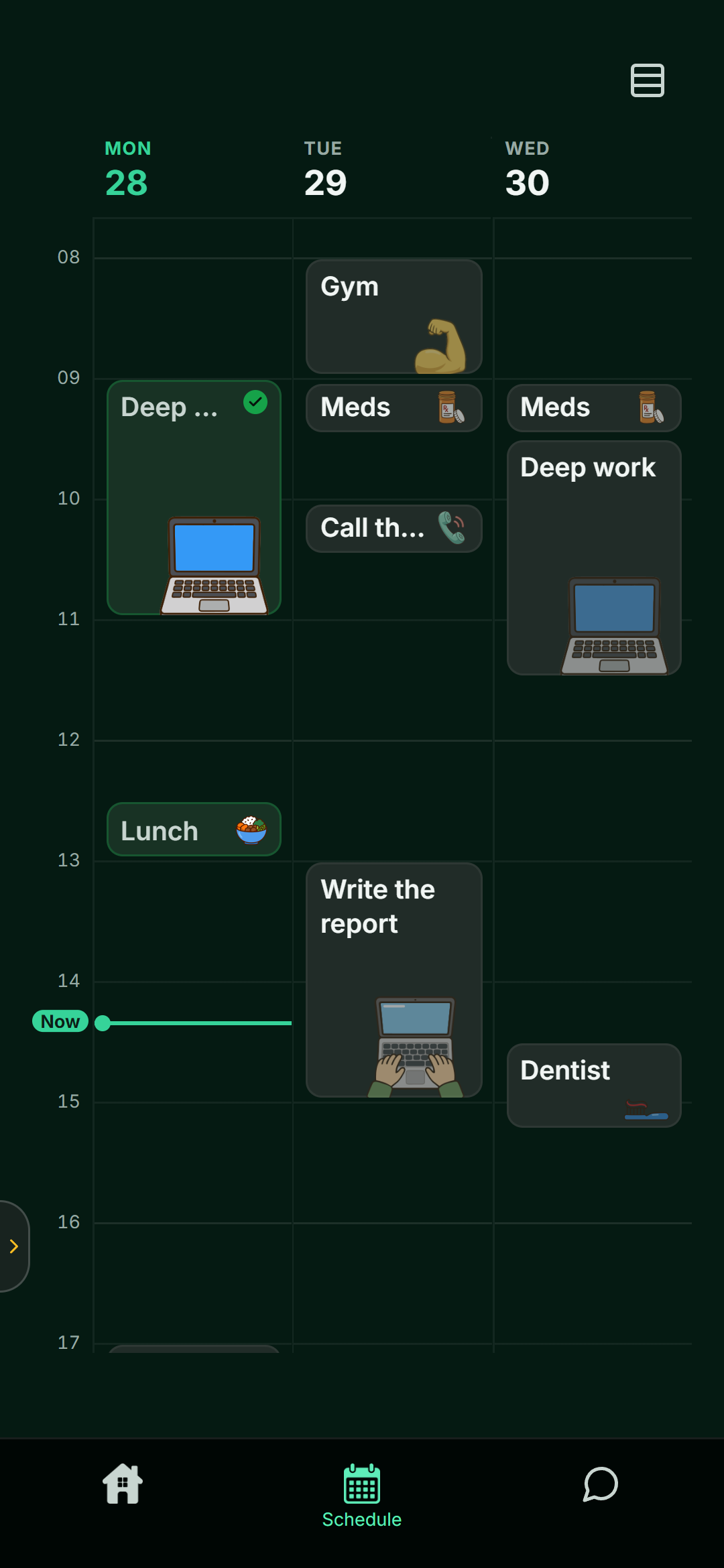
Up close or far out
Three days up close for the detail, the whole week for the shape of it, and pinch out to the month when you need to see what is coming. Drag a block to move it.
Blocks you can see
Every activity is a block with a real length, so you can see how full a day is before you add one more thing to it.
Routines, trips and the rest
The things that shape a week without being one task:
- Routines that repeat on the days you pick, with exceptions when a day is different
- Multi-day blocks for trips, exam weeks or visits, so the coach plans around them
- Lists and notes for everything that is not a plan yet, filled from Smart Add in one tap
You do not have to fill it in by hand
Tell your coach about your week and it places things for you. Change anything by hand afterwards if you want to.
Good to know
- Can I plan without the coach?
- Yes. You can add and move activities yourself.
- Does the plan show on my Home Screen?
- Yes. Today's part of the plan is what the widget shows.